Conference App
Connect to Web Portal: https://connect-v3.jujama.com/
OR
Download the App
Step 1: Check Your Email
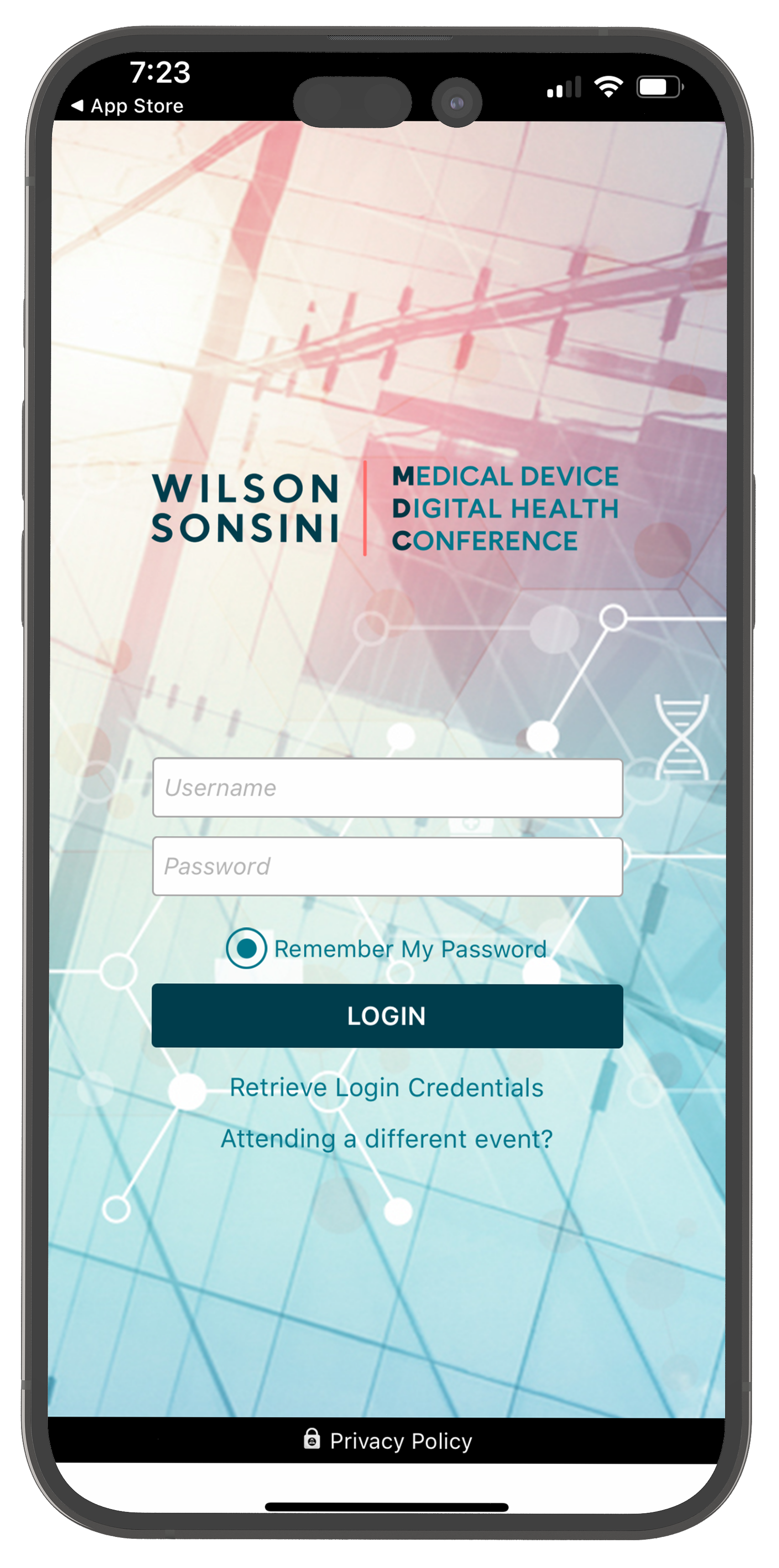
Retrieve your login credentials via the Partnering Hall Access email confirmation.
Step 2: Download the Jujama Connect app
Search for “Wilson Sonsini’s Medical Device & Digital Health Conference 2026” within the Jujama Connect app.
Step 3: Login & Connect
Use your temporary login credentials to create a new password, update your profile and get connected!


How To:
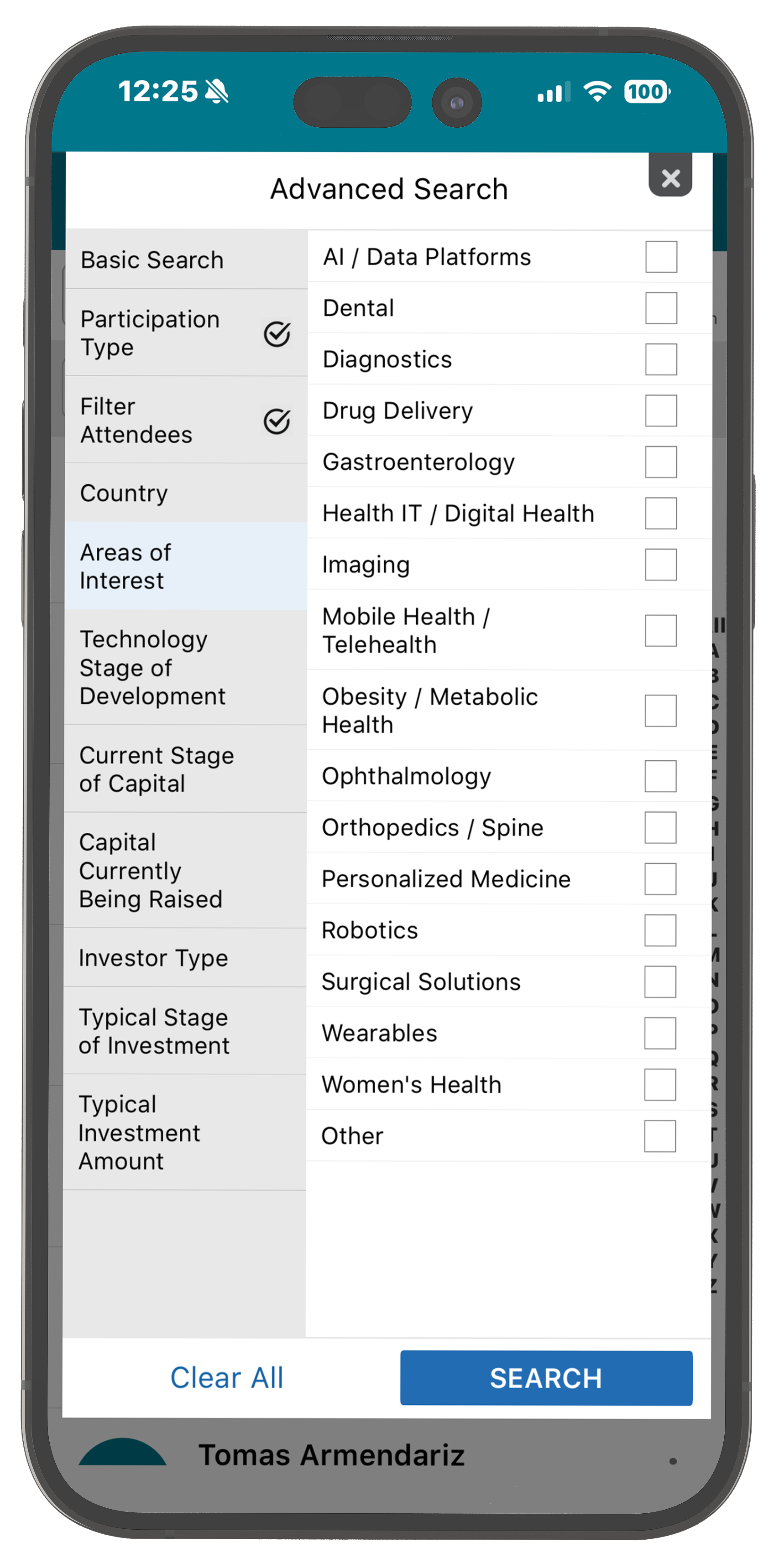
Step 1: Narrow Your Search
Tap on Attendees or Companies and “Advanced Search” on top right to update search criteria.
Step 2: View Attendee Profile
Tap “Meet Me” and set up a convenient meeting time.
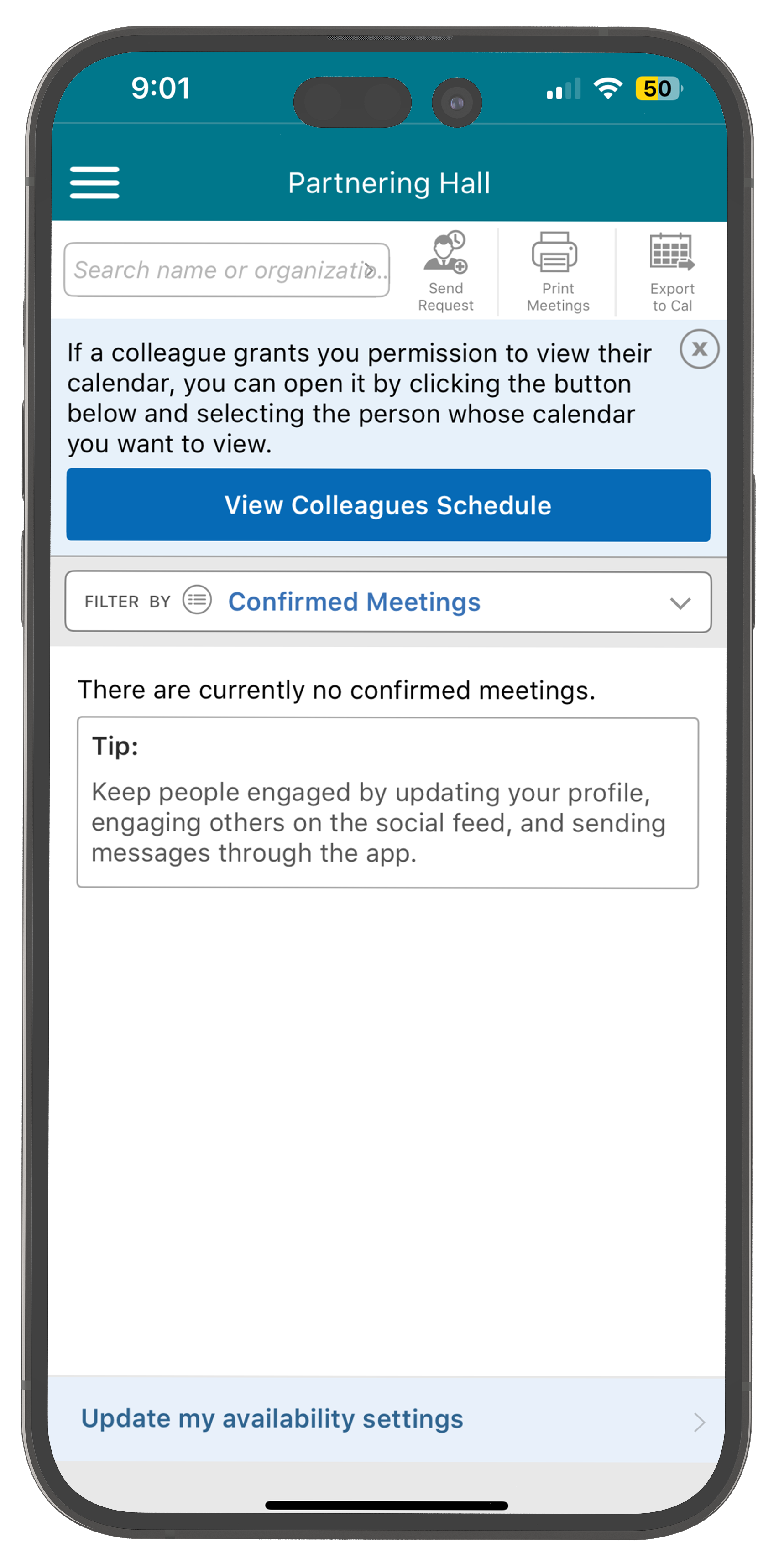
Step 3: Manage Your Meetings
Tap Partnering Hall in menu or on homescreen to update availability and confirm meetings.

For questions, please see Registration or email suzi@trytech.solutions.